

Introduction
Have you ever typed something into ChatGPT, got a generic, half-useful answer, and thought — *"Is this really what all the fuss is about?"*
You're not alone. Millions of people use AI tools every day and walk away disappointed, not because the AI is bad — but because they don't know how to talk to it.
That's where prompt engineering comes in.
Prompt engineering is the skill of writing better instructions for AI — and it's quickly becoming one of the most valuable digital skills you can have in 2026. When you know how to write a good prompt, AI tools like ChatGPT, Gemini, Claude, and others stop feeling like lottery tickets and start feeling like having a brilliant assistant who actually listens.
In this guide, you'll learn:
- What prompt engineering really means (in plain English)
- Why most people get bad AI results — and how to fix it
- Step-by-step techniques to write prompts that actually work
- Real examples you can copy and adapt immediately
- The most common prompt mistakes and how to avoid them
- Practical tools that make prompting even more powerful
Whether you're a blogger, business owner, student, or just someone who wants to get more out of AI — this guide is for you. Let's get started.

Table of Contents
- What Is Prompt Engineering?
- Why Your Prompts Are Probably Failing (And How to Fix It)
- The Five Core Elements of a Great Prompt
- Step-by-Step: How to Write Prompts That Get Great Results
- Advanced Prompt Engineering Techniques
- Real-Life Prompt Examples You Can Use Right Now
- Best Tools to Supercharge Your Prompting
- Practical Tips & Best Practices
- Common Prompt Engineering Mistakes to Avoid
- FAQ
1. What Is Prompt Engineering?
Simply put, prompt engineering is the art and science of writing clear, specific instructions for an AI so it gives you the best possible output.
Think of it this way: an AI language model is like an incredibly knowledgeable assistant who has read millions of books, articles, and websites. But this assistant has one limitation — it can only do exactly what you tell it to do. If your instructions are vague, you'll get a vague response. If your instructions are clear, detailed, and well-structured, you'll get impressive, useful results.
The word "prompt" just means the text you type into an AI tool. Prompt engineering is the skill of making that text as effective as possible.
This isn't just for programmers or tech experts. Anyone who regularly uses AI for writing, research, coding, marketing, customer service, or creativity can benefit from learning prompt engineering.
Why does this matter right now?
AI tools are everywhere in 2026. Businesses use them for marketing copy, content creation, data analysis, customer support, and more. The people who know how to use these tools well have a serious competitive advantage. And the good news? Getting better at prompting doesn't take months — a few hours of learning and practice can dramatically improve your results.
2. Why Your Prompts Are Probably Failing (And How to Fix It)
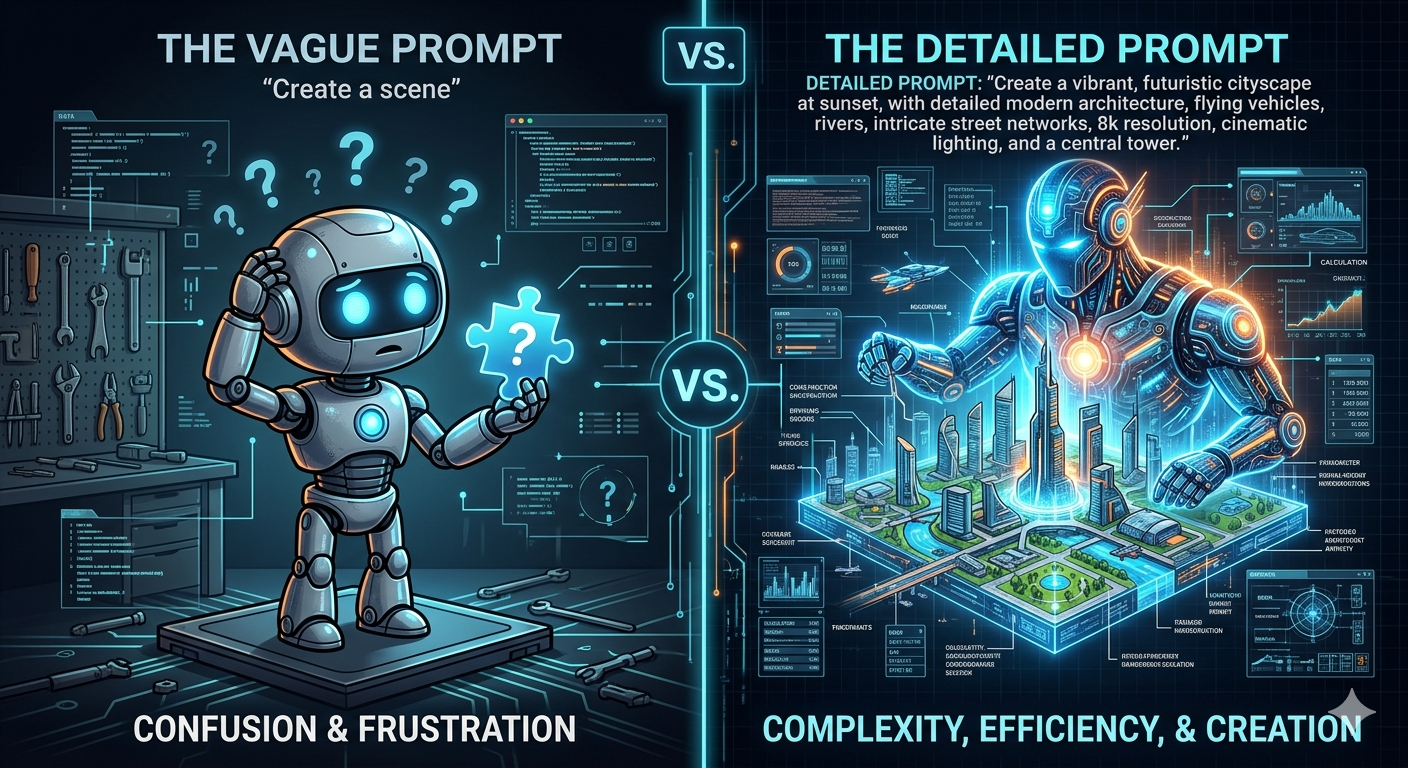
Most people write prompts like they're texting a friend. Short, informal, with lots of assumed context.
For example: "Write me a blog post about AI."
The AI's job is to fill in all the gaps — and it will, but it'll do it based on guesses. The result? A safe, average, generic article that could apply to anyone and helps no one in particular.
Here's the core problem: AI has no idea who you are, what you need, or why you need it unless you tell it.
It doesn't know:
- Your audience (Are they beginners? Experts? Business owners? Teenagers?)
- Your tone (Formal? Conversational? Persuasive? Educational?)
- Your goal (Are you trying to rank on Google? Sell a product? Explain a concept?)
- Your context (Is this an internal document? A public blog? A social media post?)
- Your format preferences (Long or short? Bullet points? Numbered steps?)
When you leave all of that out, the AI guesses. And generic guesses produce generic results.
The fix is simple: give the AI more context.
The more relevant information you include in your prompt, the better the output will be. It's that straightforward — and that powerful.
3. The Five Core Elements of a Great Prompt
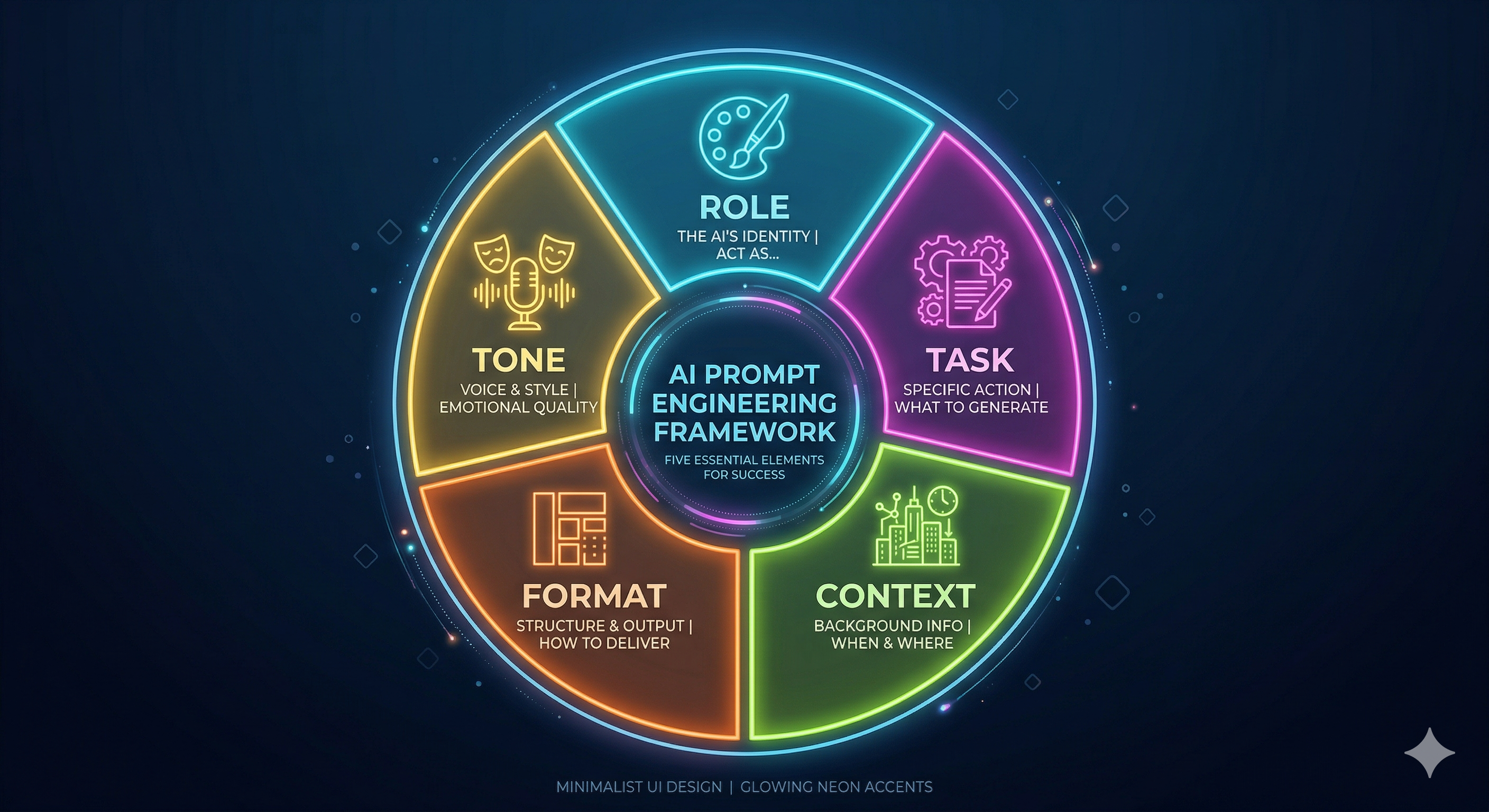
Think of a great prompt like a brief to a professional. Before any good professional starts work, they need to know five things. The same applies to AI.
Element 1: Role
Tell the AI who you want it to be. Assigning a role dramatically shapes the tone, expertise level, and approach of the response.
Example:
- Without role: "Explain SEO."
- With role: "You are an experienced SEO consultant who specializes in helping small businesses. Explain SEO in simple terms to a beginner who just started their first blog."
The second version will give you a far more useful, targeted explanation.
Element 2: Task
Be specific about what you want. Vague tasks produce vague results.
- Weak: "Write something about email marketing."
- Strong: "Write a 500-word introductory section for a blog post about email marketing for e-commerce beginners. Focus on why email marketing still works and include one compelling statistic."
Element 3: Context
Give the AI the background it needs to tailor the response.
- Who is the audience?
- What is the purpose?
- Are there any constraints or requirements?
Example: "This article is for first-time bloggers who have no technical background. They are busy, so keep explanations short and practical."
Element 4: Format
Tell the AI exactly how you want the output structured.
- Do you want bullet points, numbered steps, or paragraphs?
- Should it include headings?
- How long should the response be?
- Should it include examples?
Example: "Format the response with an H2 heading, three short paragraphs, and a bullet-point summary at the end."
Element 5: Tone
Define the voice and style you want.
- Formal or casual?
- Inspiring or informative?
- Direct or conversational?
Example: "Write in a friendly, encouraging tone — like a knowledgeable mentor talking to a motivated beginner."
4. Step-by-Step: How to Write Prompts That Get Great Results
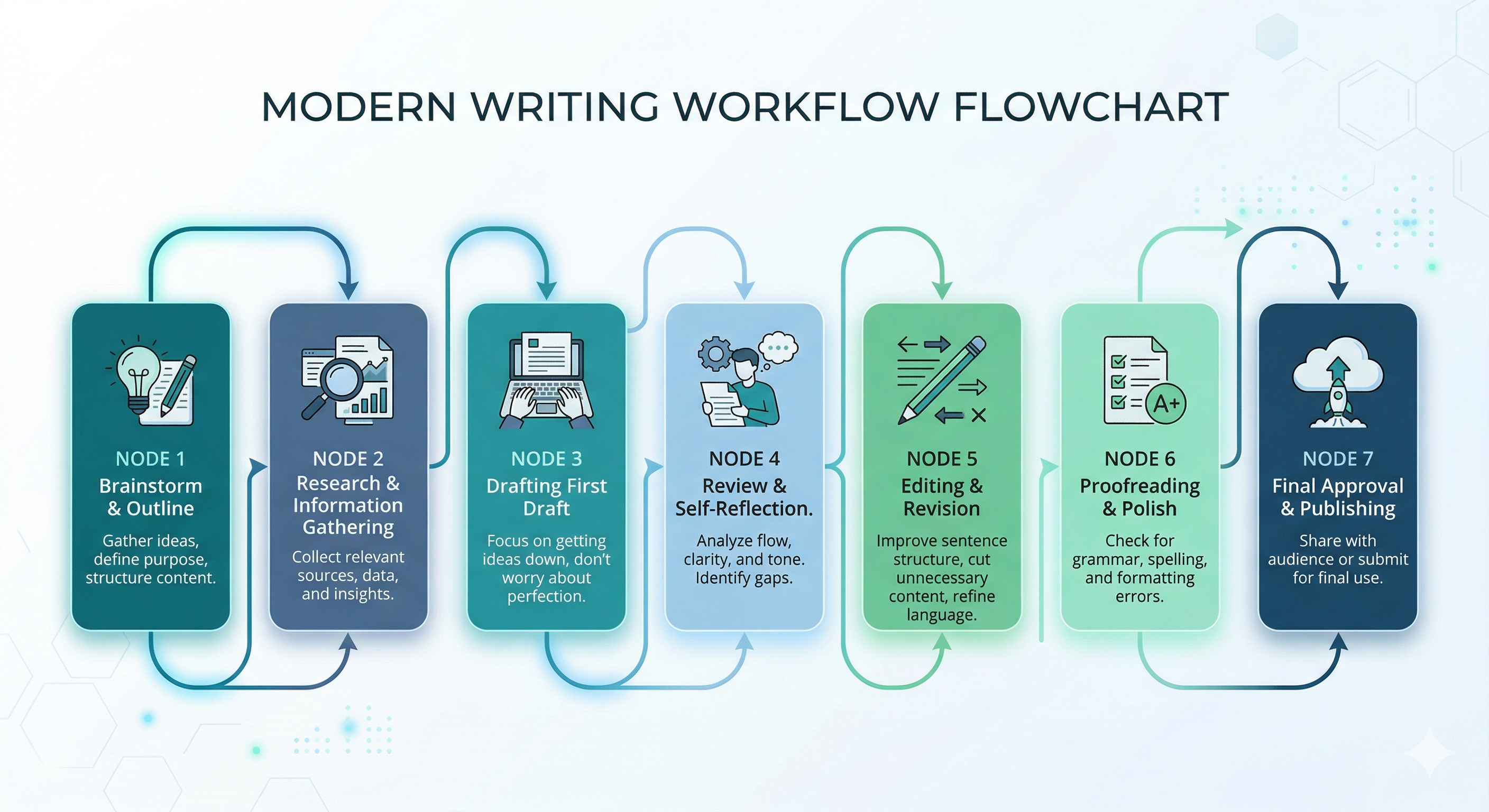
Now let's put it all together with a practical process you can follow for any task.
Step 1: Start with the End in Mind
Before you type anything, ask yourself: What does the perfect output look like?
Be as specific as possible. If you're generating a blog intro, what length should it be? What emotion should it create in the reader? What should they want to do after reading it? The clearer your vision, the better your prompt.
Step 2: Assign a Role
Start your prompt by assigning a relevant role to the AI. This one step alone can dramatically improve your outputs.
Use phrasing like:
- "You are a [role] with [years] of experience in [field]..."
- "Act as a professional [job title] who specializes in [area]..."
- "I want you to take the role of a [persona] and help me..."
Step 3: Write the Core Task Clearly
State exactly what you want the AI to produce. Don't hint — be explicit.
Avoid: "Can you help me with my website?"
Use: "Write three compelling headline options for a landing page selling an online course about personal finance for millennials."
Step 4: Add Relevant Context
Include any background information the AI needs. Think about what a new employee would need to know before starting this task.
Step 5: Specify Format and Length
Tell the AI exactly how to structure the output.
For example: "Respond with an introduction (2 short paragraphs), three main sections with H2 headings, and a conclusion. Total length: approximately 600 words."
Step 6: Define the Tone and Style
Add a tone instruction. This is especially important for content that has to match a specific brand voice.
Step 7: Review, Refine, and Iterate
Almost no prompt is perfect on the first try. If the output isn't quite right:
- Identify what's missing or off
- Add a follow-up prompt to refine it
- Or rewrite the original prompt with more detail
Prompting is a conversation, not a command.
5. Advanced Prompt Engineering Techniques
Once you've mastered the basics, these techniques take your prompting to the next level.
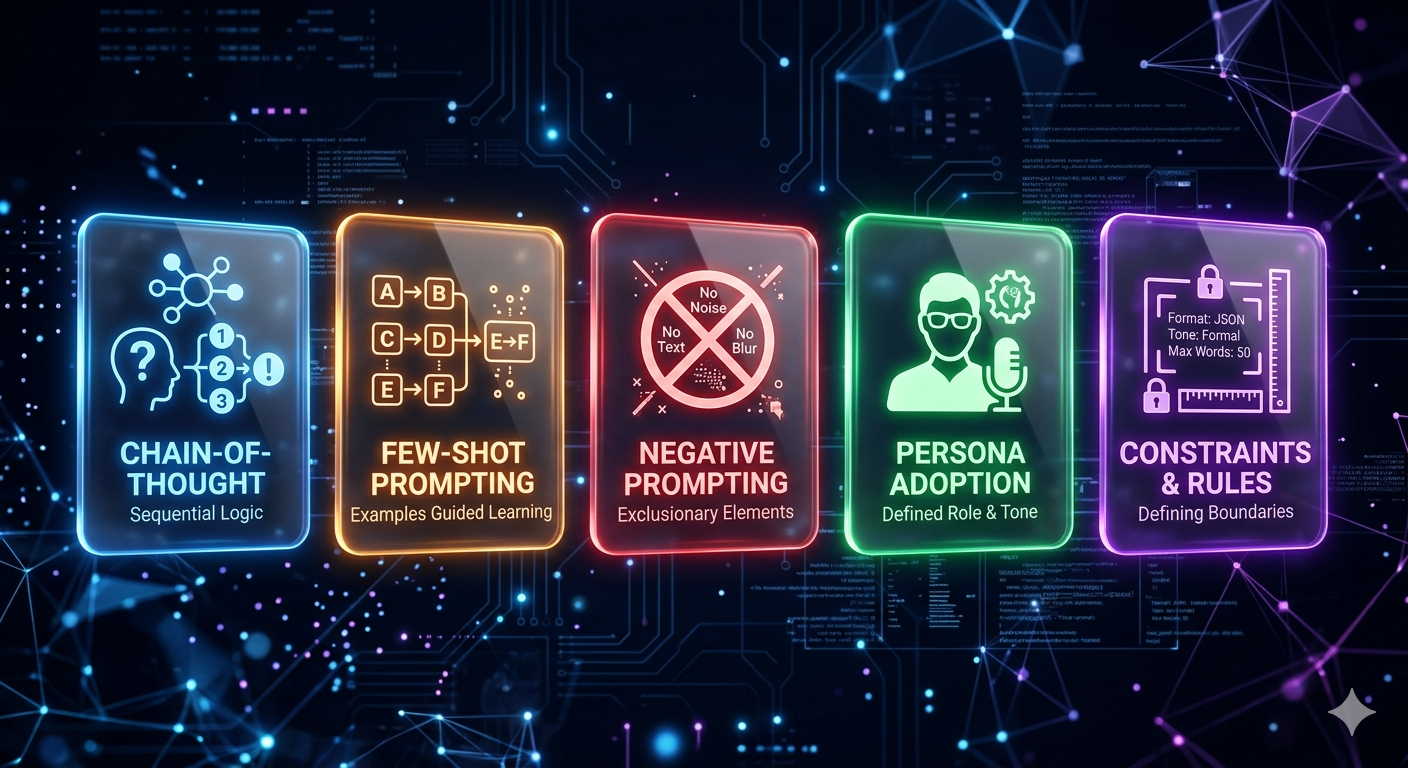
Chain-of-Thought Prompting
Ask the AI to think through a problem step by step before giving you an answer. This is especially useful for complex tasks, analysis, or problem-solving.
Example: "Before giving me your recommendation, walk me through the pros and cons of each option step by step."
Few-Shot Prompting
Give the AI two or three examples of the kind of output you want before asking it to produce the real thing. This is like showing someone a sample before asking them to replicate it.
Negative Prompting
Tell the AI what NOT to do as well as what to do. This prevents common unwanted behaviors.
Example: "Do not use marketing jargon. Do not start sentences with 'Furthermore' or 'In conclusion.' Do not use passive voice."
The Persona Technique
Give the AI a very specific persona with personality traits, goals, and constraints. This is powerful for customer service scripts, brand voice content, or role-playing scenarios.
The Constraint Technique
Add creative constraints to force the AI to think differently and produce more focused output.
Example: "Explain machine learning to a 10-year-old using only food analogies."
6. Real-Life Prompt Examples You Can Use Right Now
For Blog Writing:
"You are an experienced content writer specializing in beginner-friendly tech articles. Write a 700-word introduction for a blog post titled 'What Is Artificial Intelligence? A Beginner's Complete Guide.' The tone should be friendly and encouraging. Include a hook, explain why AI matters to everyday people, and end with a preview of what the article will cover. Do not use jargon without explaining it."
For Social Media:
"You are a social media manager for a digital marketing agency. Write 5 engaging Instagram captions for posts about the benefits of email marketing. Each caption should be 2-3 sentences, include one relevant hashtag, and end with a call to action. Tone: energetic and motivating."
7. Best Tools to Supercharge Your Prompting
| Tool | What It Does |
|---|---|
| ChatGPT (OpenAI) | Versatile AI assistant — great for writing, research, coding, brainstorming |
| Claude (Anthropic) | Excellent for long-form writing, nuanced reasoning, and document analysis |
| Gemini (Google) | Strong for research, real-time information, and Google Workspace integration |
| Perplexity AI | AI with real-time web search and cited sources — great for fact-checking |

8. Practical Tips & Best Practices
- Be specific, not smart. You don't need to sound technical — just be precise.
- Use examples in your prompts. Showing the AI an example of tone gives it a concrete target to match.
- Break complex tasks into steps. Instead of asking the AI to write a full blog post in one shot, have it outline first.
- Iterate, don't restart. If the response is 80% right, ask the AI to fix the specific parts that are off rather than rewriting the whole prompt.
- Save your best prompts. Keep a personal "prompt library" in a notes app or document.
- Set word limits. AI tends to be verbose. Specifying an exact word count keeps responses focused.
9. Common Prompt Engineering Mistakes to Avoid
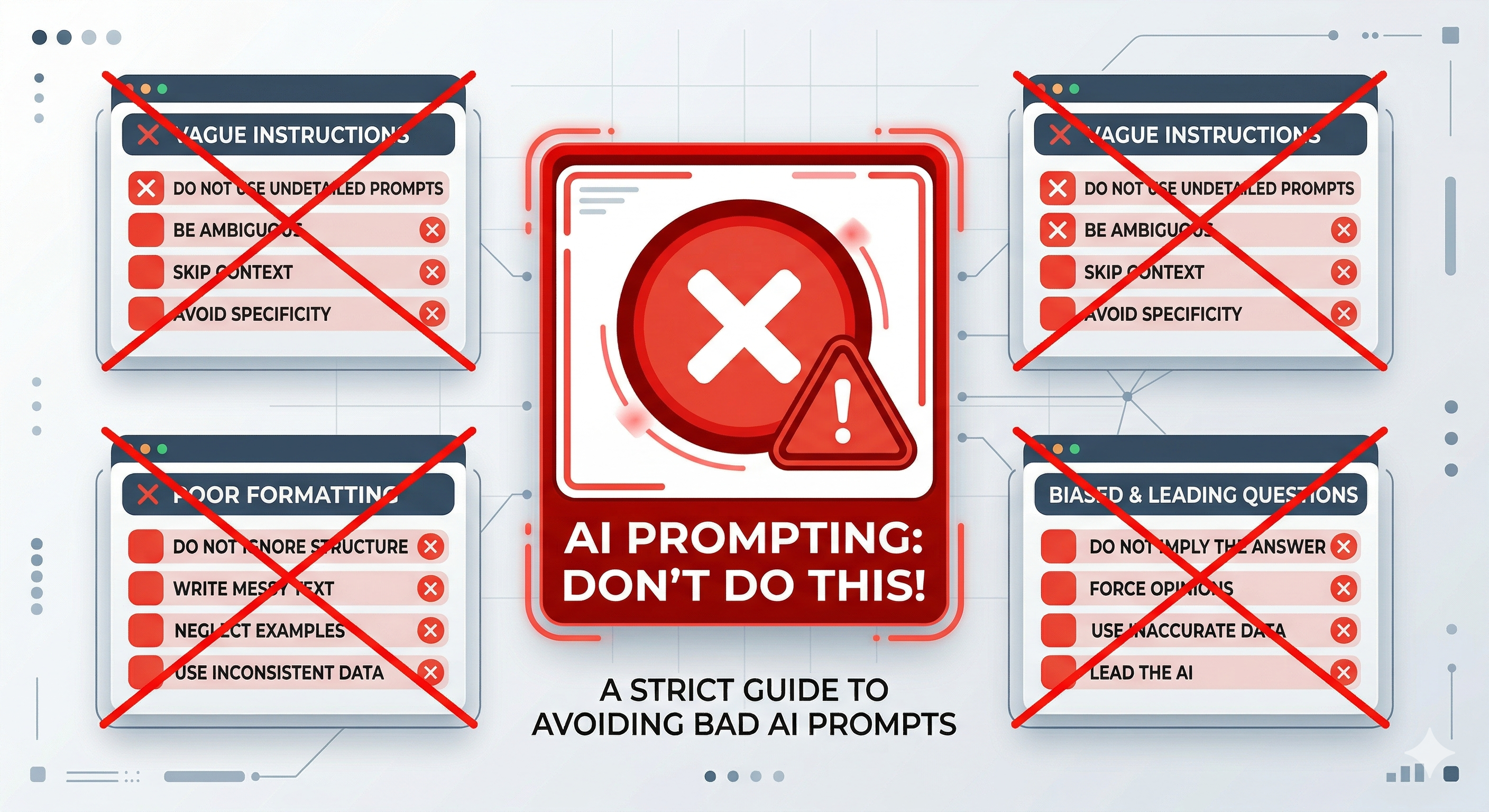
Being Too Vague
The single biggest mistake. "Write me a blog post" gives the AI almost nothing to work with. Always include topic, audience, tone, length, and purpose.
Overloading One Prompt
Asking for too many things at once confuses the AI. Break complex requests into smaller steps.
Not Assigning a Role
Skipping the role element means the AI defaults to a generic voice. A specific role sharpens the entire response.
10. FAQ: Frequently Asked Questions
Q1: Do I need to know coding or programming to do prompt engineering?
Not at all. Prompt engineering is entirely about writing clear, natural language instructions. No coding required. If you can write a clear email, you can learn to write great prompts.
Q2: What is the difference between a basic prompt and an engineered prompt?
A basic prompt is a one-line request: "Tell me about social media marketing." An engineered prompt includes a role, clear task, context about the audience and purpose, format specifications, and tone — all combined into a structured instruction.
Q3: Which AI tool is best for beginners to practice prompting?
ChatGPT (by OpenAI) is the most beginner-friendly starting point. It's widely used, well-documented, has a free tier, and there's a huge community of prompt examples online.
Q4: How long should a good prompt be?
There's no one-size-fits-all answer, but a well-structured prompt for a content task typically ranges from 50 to 200 words. It should be long enough to include all necessary context.
Q5: Can I use the same prompt repeatedly for different topics?
Yes — and this is a big time-saver. Create a template prompt with placeholders for the variable parts (like topic, keyword, audience), then swap those out for each new use. This is called a "prompt template."
Q6: Why does the same prompt give different results each time?
AI language models have a built-in element of variability (called "temperature") that means responses are never perfectly identical. This is actually useful — if you don't like one response, running the same prompt again may give you a better version.
11. Conclusion
Prompt engineering is one of those skills that sounds technical but is actually just about communicating clearly with a new kind of tool. Once you understand the five core elements — role, task, context, format, and tone — you'll start getting dramatically better results from every AI interaction.
The key takeaways from this guide:
- AI only knows what you tell it — specificity is everything
- Assigning a role transforms the quality of AI responses
- Great prompts are built from five clear elements: role, task, context, format, and tone
- Advanced techniques like chain-of-thought and few-shot prompting unlock even better results
- Prompting is a skill — it improves with practice and experimentation
The people who thrive in the AI era won't be those who simply use AI — they'll be those who know how to direct it effectively.
Start today. Pick one task you do regularly and write a properly structured prompt for it. Compare the results to what you've been getting. You'll see the difference immediately — and once you do, you'll never go back to vague one-line prompts again.

Samuel is a tech writer specializing in AI, SEO, and digital growth with a focus on delivering beginner-friendly, practical strategies.