Cybersecurity 101: Protecting Your Digital Life
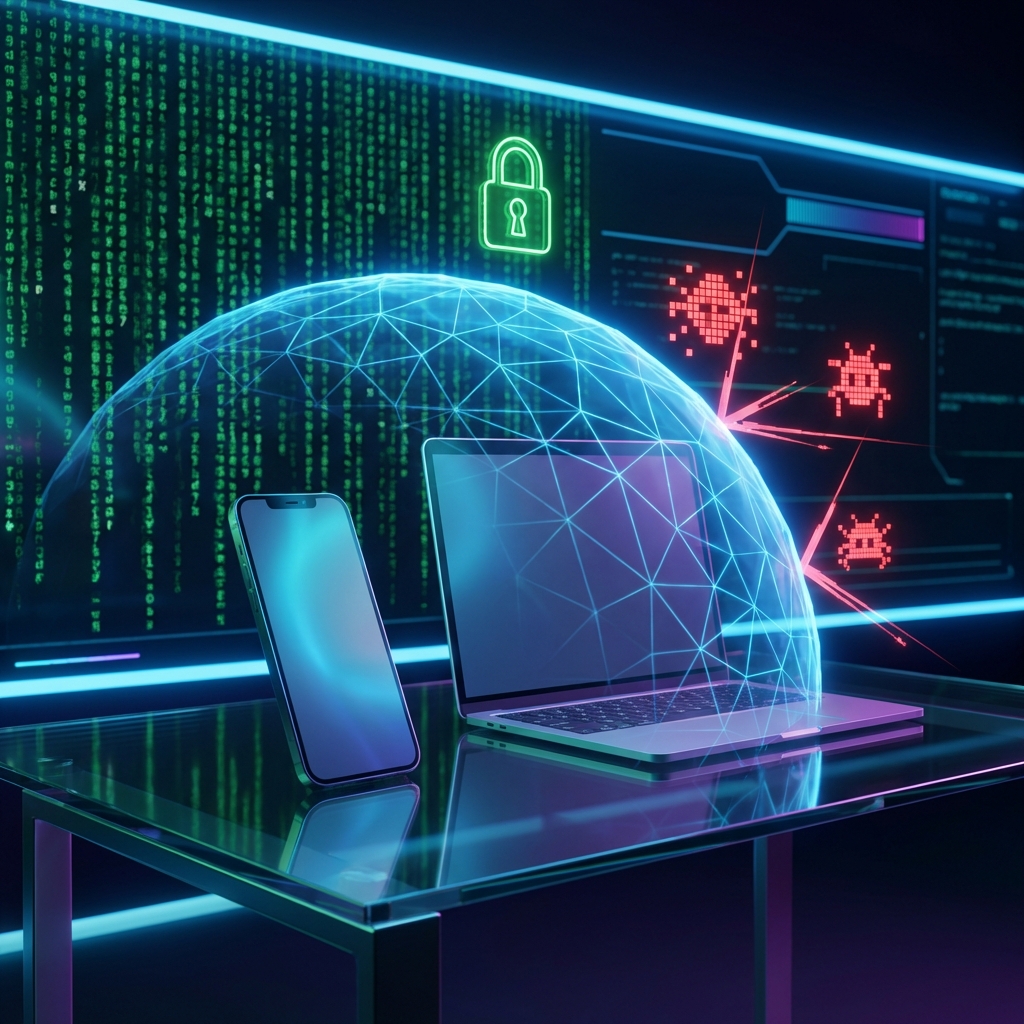
The internet is an amazing tool, but it comes with risks. Cybersecurity isn't just for big corporations; it's essential for everyone. Here is your starter guide to staying safe online.
1. The Password Problem
Using "password123" or using the same password for every site is a recipe for disaster.
Solution: Use a Password Manager (like Bitwarden, LastPass, or 1Password). It
generates and stores complex, unique passwords for every account. You only need to remember one
master password.
2. Turn on 2FA (Two-Factor Authentication)
2FA adds a second layer of security. Even if a hacker gets your password, they can't access your account without the second factor (usually a code sent to your phone or generated by an app).
Tip: Use an authenticator app (Google Authenticator, Authy) instead of SMS codes whenever possible, as SMS can be intercepted.
3. Beware of Phishing
Phishing is when scammers try to trick you into giving up info by pretending to be a legitimate company via email or text.
- Check the sender's email address carefully.
- Hover over links before clicking to see the actual URL.
- Never download attachments from unknown sources.
4. Software Updates: Do Them!
We mentioned this in our maintenance tips, but it bears repeating. Updates often contain critical security patches that fix vulnerabilities hackers exploit.
5. Safe Browsing Habits
- Look for the padlock icon (HTTPS) in your browser address bar.
- Be wary of public Wi-Fi. Avoid accessing bank accounts on coffee shop networks unless you use a VPN.
- Don't click on pop-up ads that claim your computer is infected.
6. Backup Your Data
Ransomware is a type of malware that locks your files and demands payment. If you have a recent backup, you can simply wipe your computer and restore your files without paying a dime.
Conclusion
Cybersecurity is a mindset. By being skeptical and proactively using tools like password managers and 2FA, you significantly reduce your risk of becoming a cybercrime statistic.