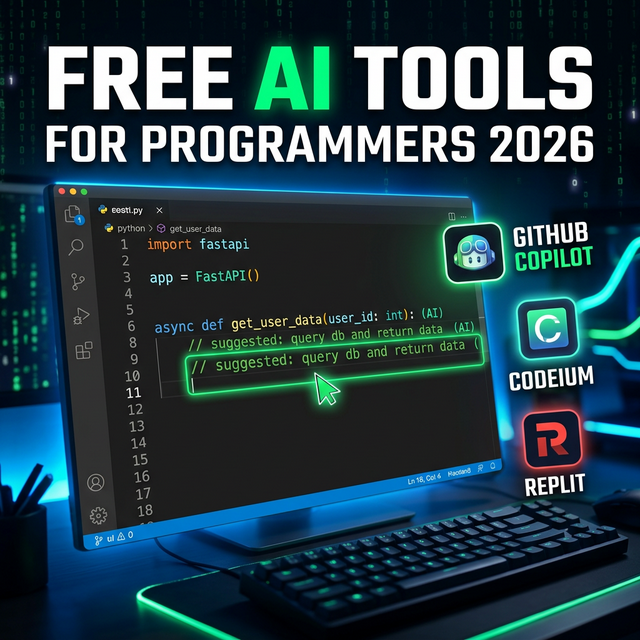
Top Free AI Tools for Programmers and Web Developers in 2026
Whether you are a beginner learning to code or a senior developer, these free AI coding assistants will dramatically speed up your workflow and reduce errors.
AI has completely transformed software development. Tasks that used to take hours ? writing boilerplate code, debugging, and creating documentation ? can now be completed in seconds. Here are the top free AI tools every programmer needs in 2026.
1. GitHub Copilot ? The Ultimate AI Coding Assistant
Best for: Daily coding in VS Code, JetBrains, Neovim, and more.
GitHub Copilot is the gold standard of AI coding tools. It integrates directly into your code editor and suggests whole lines, functions, and even entire files as you type. It is trained on billions of lines of public code and supports all major programming languages.
- Auto-complete entire functions from a comment
- Explain and debug existing code
- Write unit tests automatically
- Supports Python, JavaScript, TypeScript, Go, Ruby, Rust, and 30+ languages
Free access: GitHub Copilot is free for all students and open-source contributors via GitHub Education.
?? 2. Replit ? AI Coding Platform in Your Browser
Best for: Beginners, school projects, and rapid prototyping.
Replit is a cloud-based IDE that requires no installation. Its built-in AI assistant (Ghostwriter) helps you write code, fix bugs, and explains what each part of your code does. The free plan is extremely generous:
- Run code in 50+ programming languages instantly
- AI code explanations in plain English
- Deploy and host web applications for free
- Ideal for learning and team collaboration
3. Codeium ? 100% Free AI Code Assistant
Best for: Developers who want GitHub Copilot-style features at no cost.
Codeium is the best completely free alternative to GitHub Copilot. It supports over 70 programming languages and integrates with VS Code, JetBrains, Vim, Emacs, and more. There are no usage limits on the free plan.
- Unlimited AI code completions ? 100% free forever
- AI-powered search across your entire codebase
- Chat with your code to ask questions about it
- Works in 40+ editors and IDEs
?? 4. ChatGPT for Developers
Don't underestimate ChatGPT for coding! As a developer, you can use it to:
- Debug error messages instantly (paste the error, get the fix)
- Explain complex algorithms or patterns
- Write SQL queries, regex patterns, shell scripts
- Convert code from one language to another
Developer Pro Tip
Use Codeium for inline code completions, ChatGPT for debugging and explanations, and Replit for quick prototypes that you want to share with others. This triple-tool setup covers every stage of development ? all for free.
Conclusion
The best programmers in 2026 are not those who simply memorize syntax ? they are those who know how to effectively use AI tools to code faster, debug smarter, and ship better software. Start with one of these free tools today and watch your productivity soar.