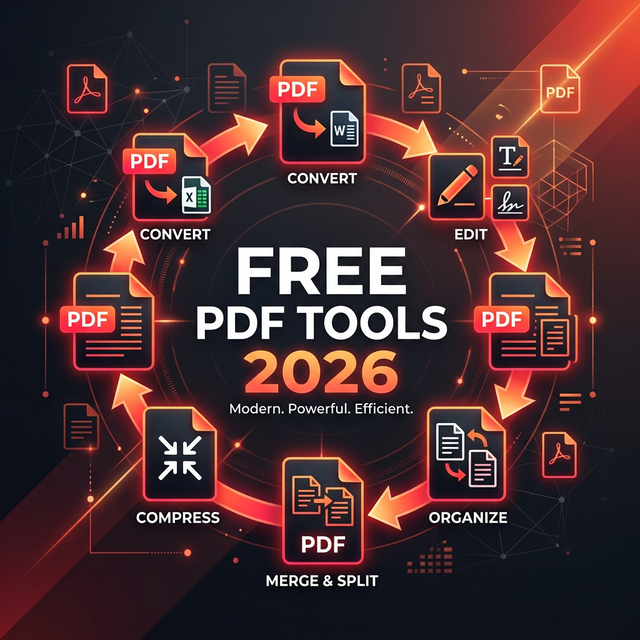
PDFs are the universal standard for documents, but editing them can be a hassle without the right software. Fortunately, 2026 offers an array of incredible free tools that rival paid software like Adobe Acrobat Pro.
1. Smallpdf
One of the most user-friendly cloud tools. Its colorful interface makes complex tasks simple. It's ideal for quick conversions and compression.
- Best for: Reducing file size and converting PDF to Word.
- Limit: 2 free tasks per day.
2. iLovePDF
A robust suite of PDF tools that feels professional. It allows you to merge, split, organize, and repair PDF pages easily.
- Best for: Merging multiple documents into one.
- Unique Feature: "Unlock PDF" can remove simple password protections (if you have the right to do so).
3. PDF24 Tools
The hidden gem of PDF tools. It's completely free, unrestricted, and open-source. It might not have the prettiest interface, but it has no daily limits and zero cost.
- Best for: Bulk processing without limits.
4. Adobe Acrobat Online (Free Account)
Yes, Adobe offers free online tools. With a free account, you can add comments, sticky notes, and highlights to PDFs, as well as request signatures.
- Best for: Official collaboration and accurate rendering.
Conclusion
You don't need to pay for premium subscription software for 90% of PDF tasks. Methods like Smallpdf for quick fixes or PDF24 for heavy lifting cover almost every need effortlessly.

Samuel is a technology educator and web strategist with 8+ years of experience helping developers, students, and creators navigate the digital world with practical, beginner-friendly guides.